
Free CAD/CAM software for your CNC machine
BamCam draws your parts, also as parametric sketches with constraints and dimensions, or imports them, creates the toolpaths for milling, V-carving, drilling,
thread milling, plasma, drag knife and the lathe, simulates them in 3D and writes the G-code for your machine.
Open source, for Windows, Linux and macOS, and compatible with CamBam .cb files.
Windows 10/11 (installer or zip) · Linux x64 and ARM64 · macOS Intel and Apple Silicon · MIT License
What BamCam does
From the drawing to G-code in one program.
Drawing and CAD
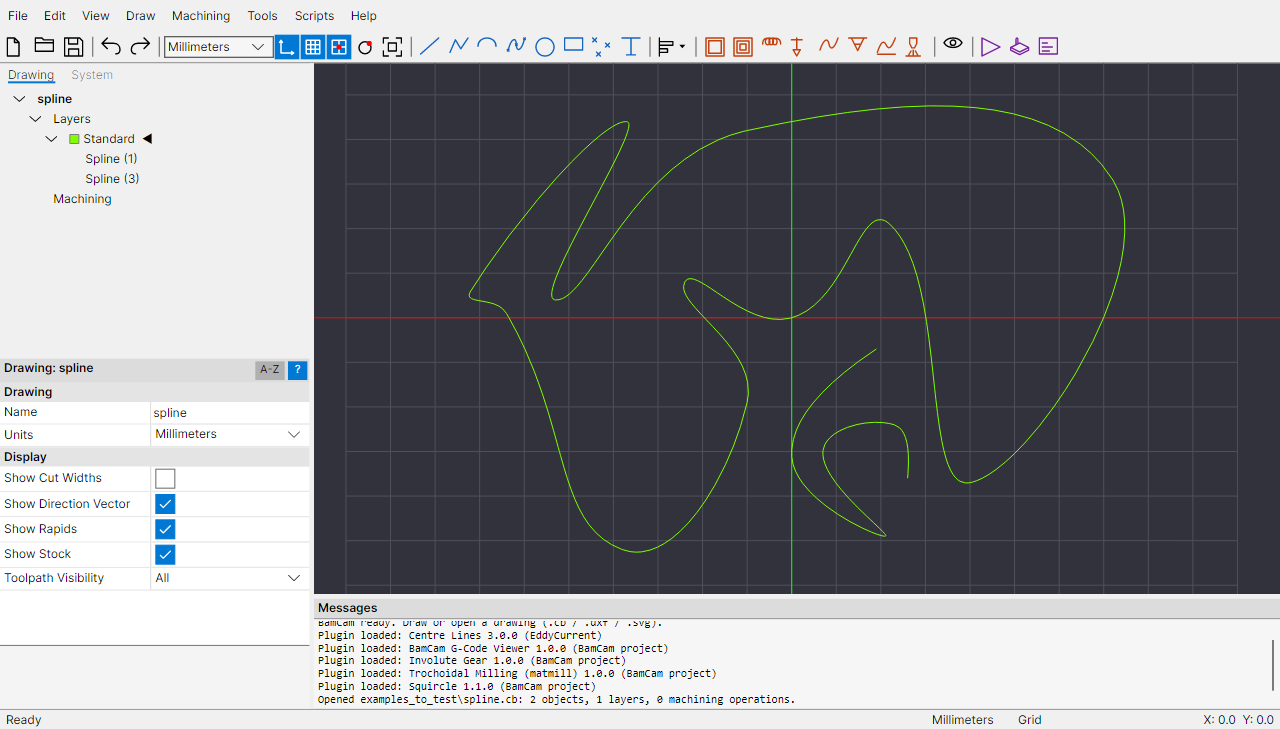
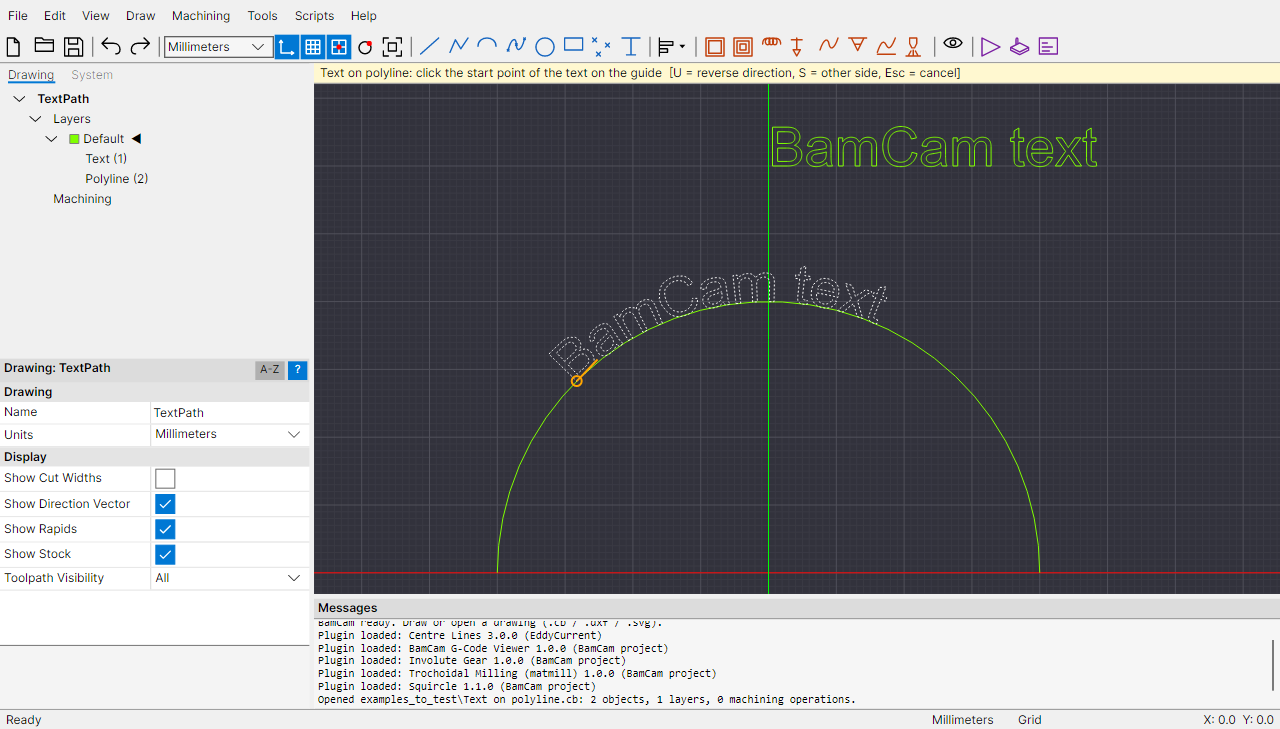
Lines, arcs, polylines, splines, text and point lists with object snaps and typed sizes. Offset, booleans, fillet, trim, arrays, text on a path.
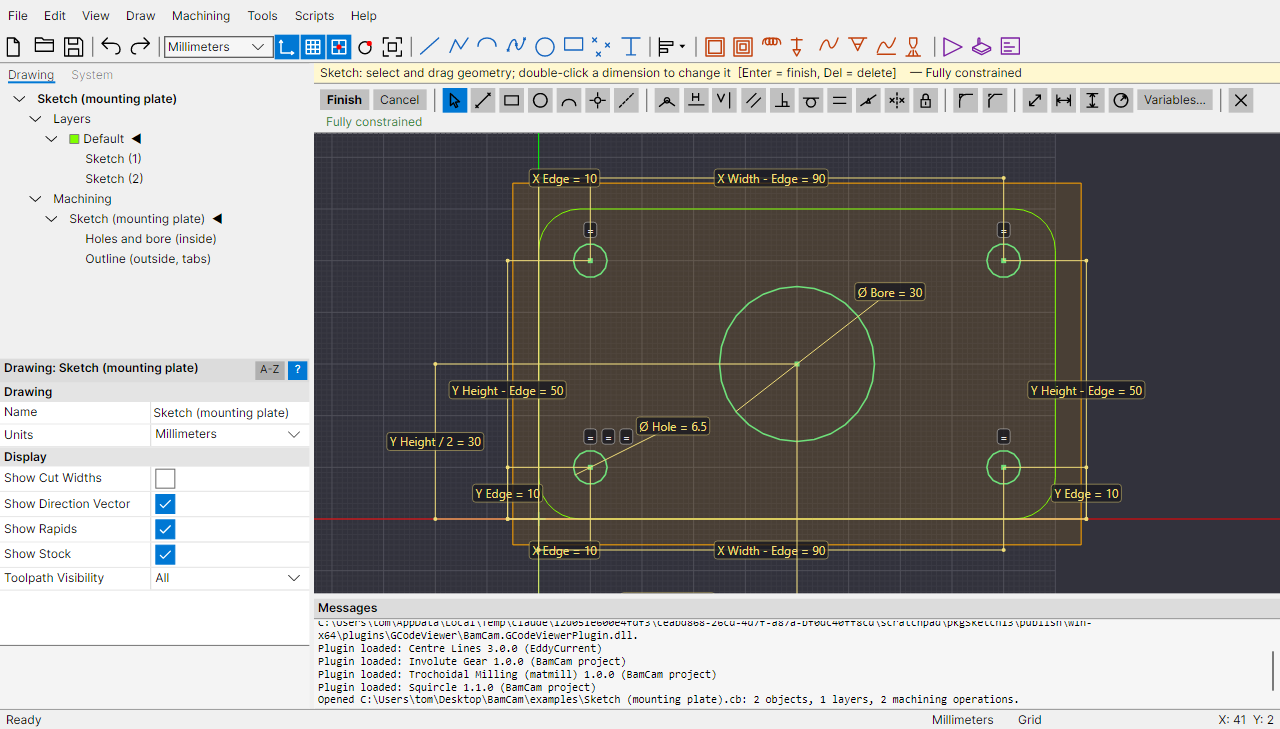
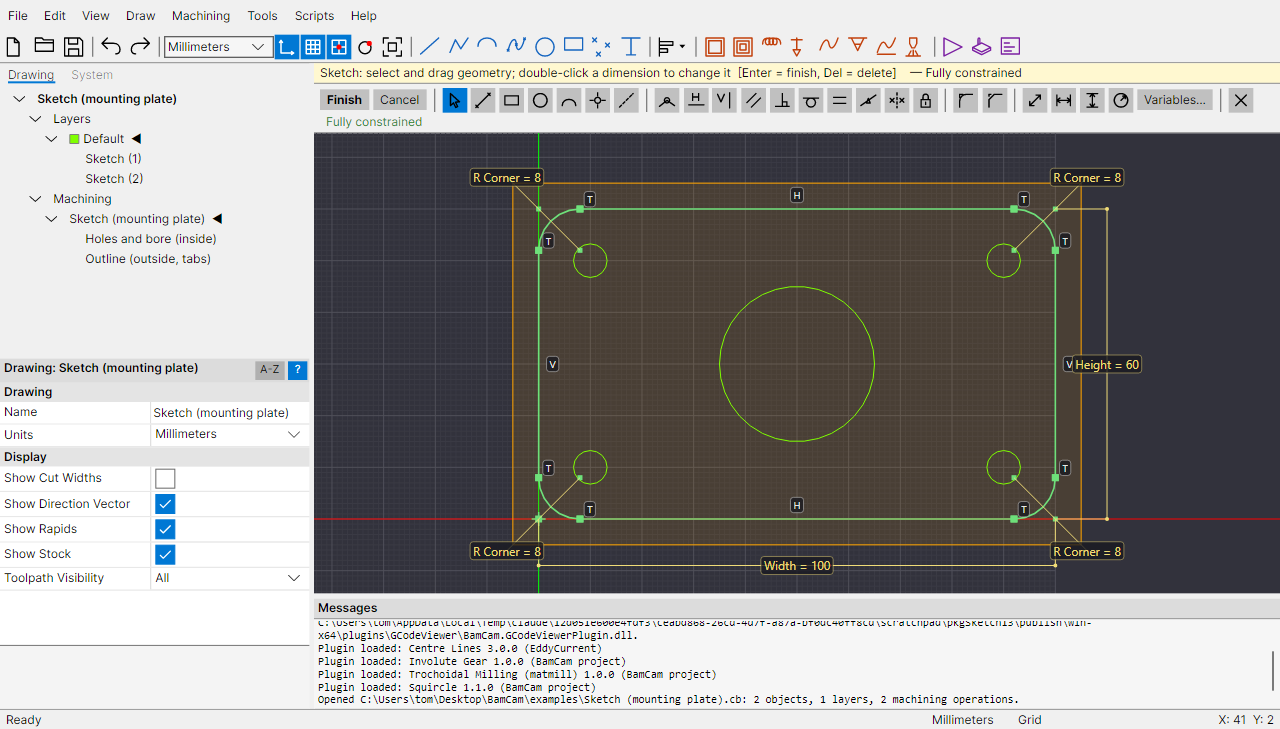
Parametric sketches
Constraints (coincident, parallel, tangent, symmetric …) and driving dimensions whose values can be formulas of variables: change the width and the part follows. Fillets and chamfers, colours show what is fully determined.
Import and export
DXF (splines stay splines), SVG, STL, images as height maps or traced outlines, G-code back-plot. DXF export R2000 and R12.
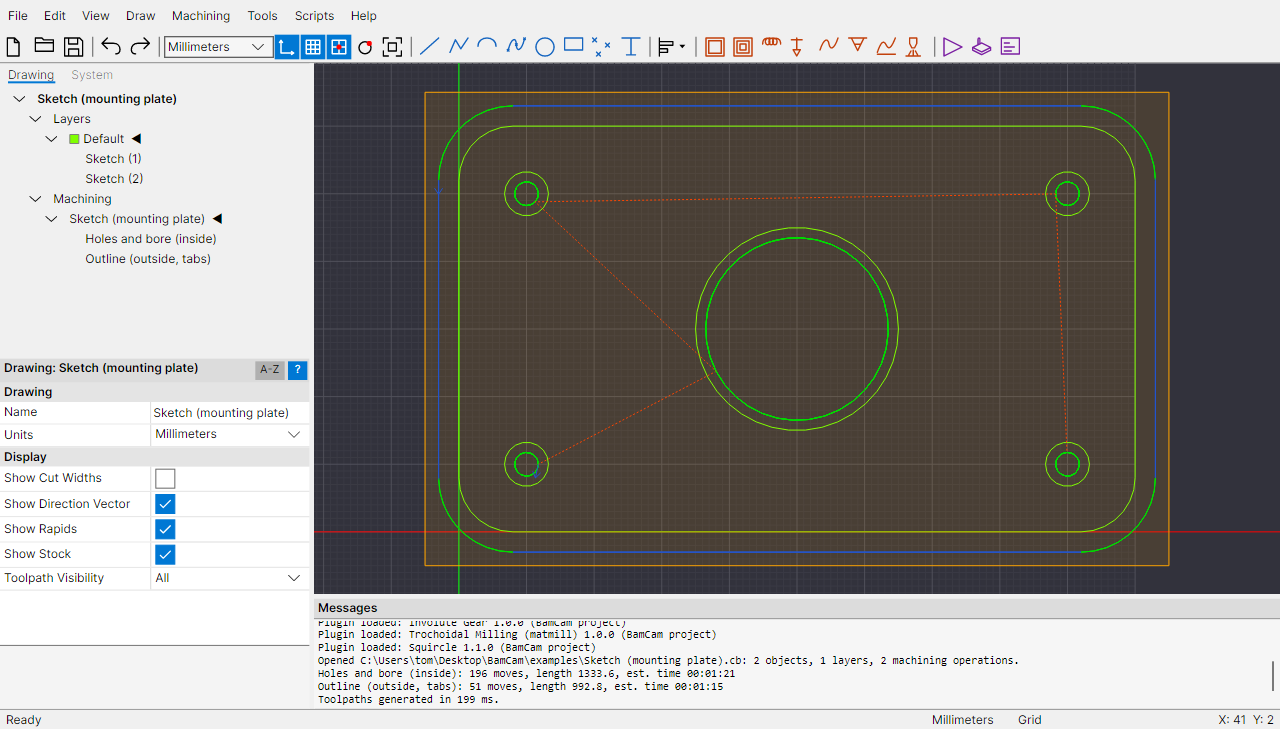
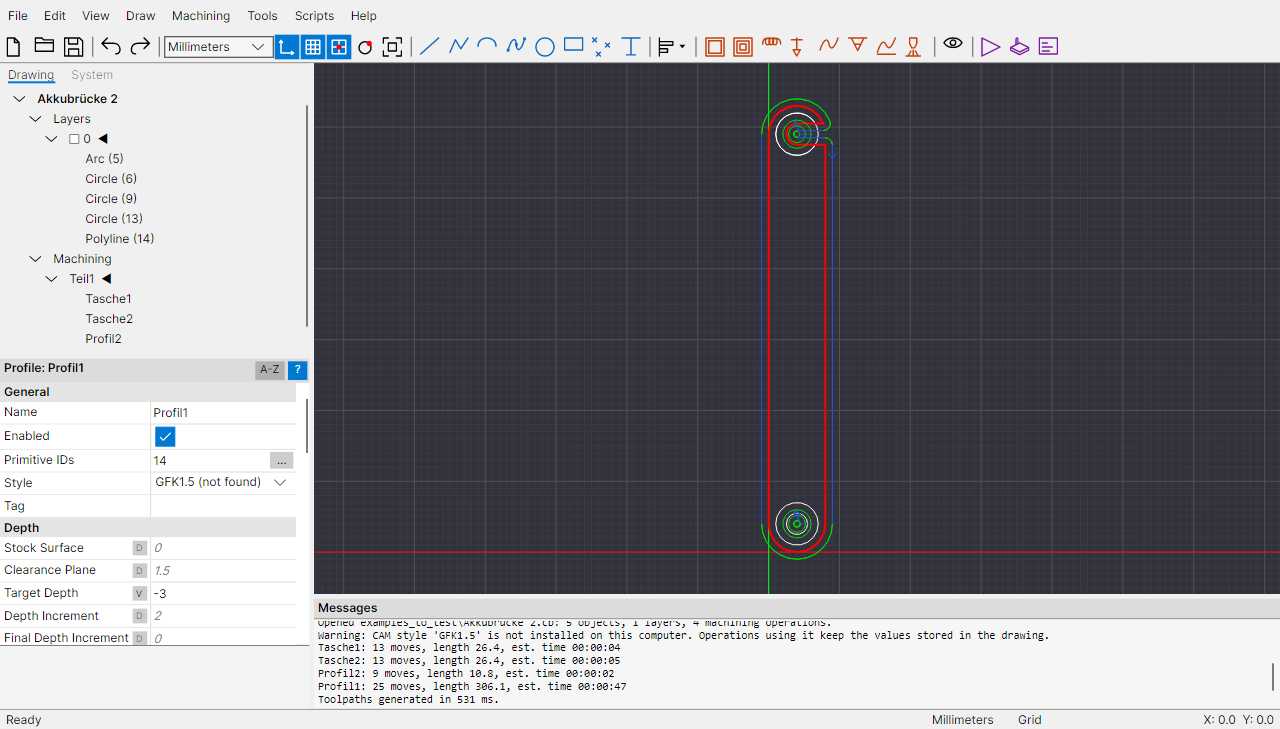
Profile and pocket
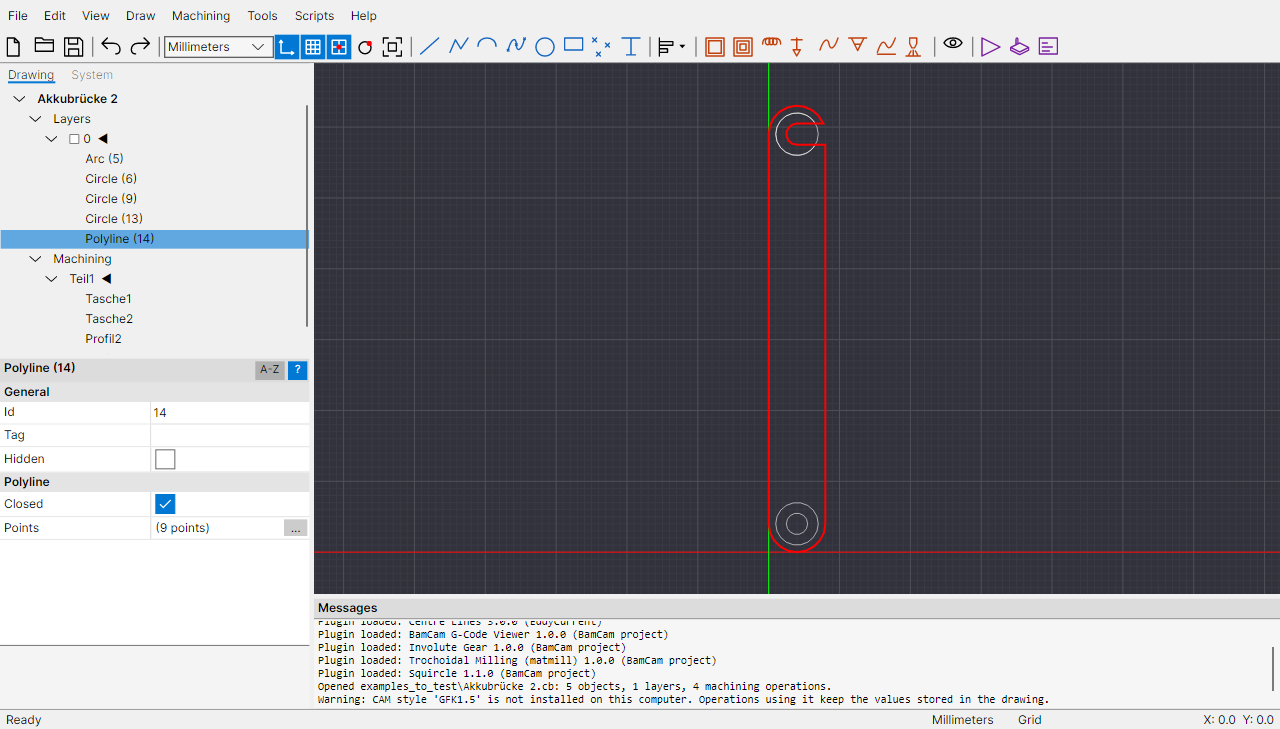
Inside and outside profiles with holding tabs, lead-ins and corner overcut; pockets with islands, offset or hatch fill.
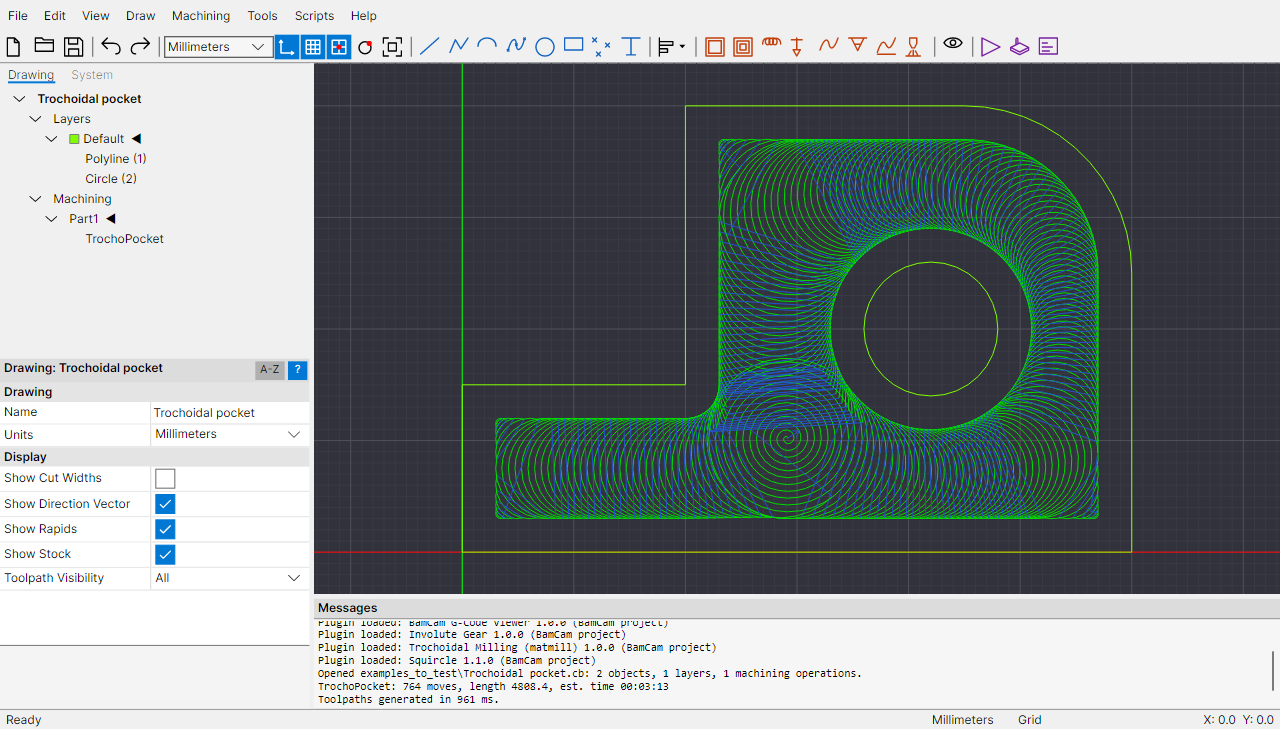
Trochoidal milling
High speed clearing of pockets, slots and 3D models with the matmill plugin: a large depth of cut with a small stepover.
V-carving and engraving
The V-bit follows the centre lines and goes as deep as the shape is wide, with sharp corners and flat bottoms for wide areas.
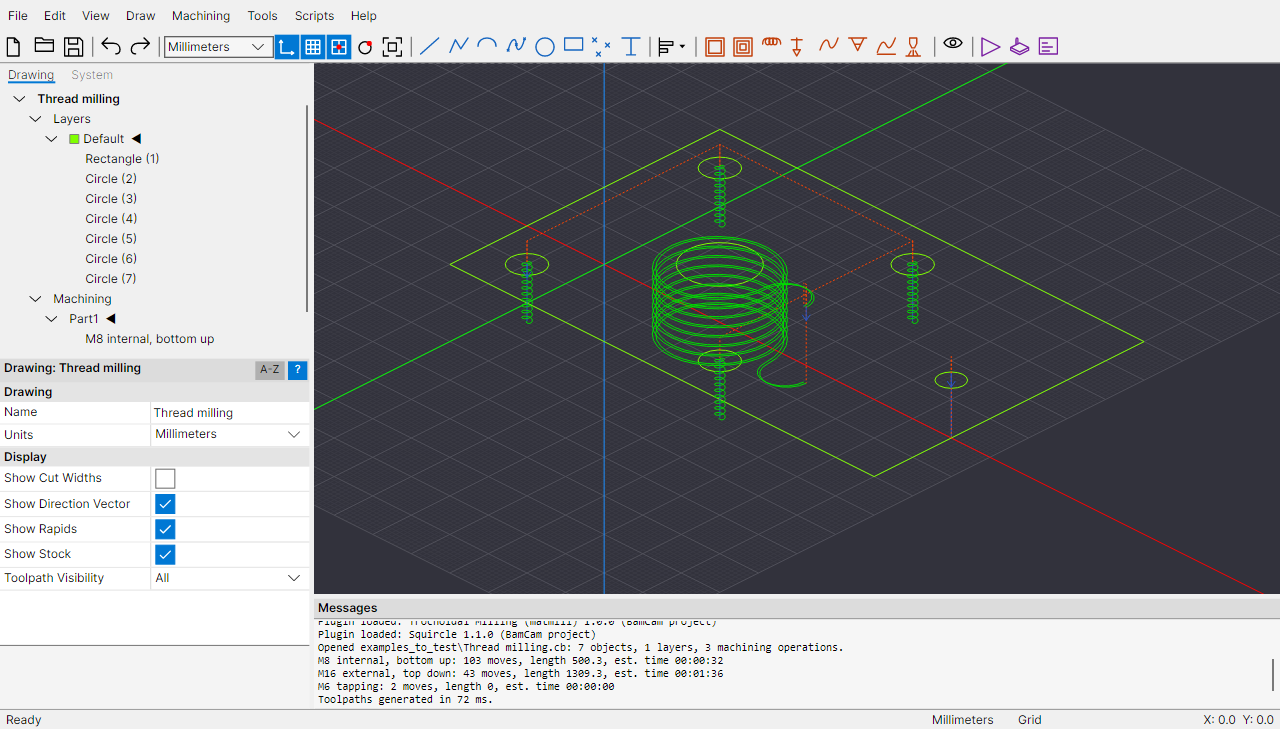
Drilling and threads
Canned cycles G81, G82, G83, spiral milling, thread milling inside and outside, right- or left-hand, and tapping with G84.
3D machining
Waterline and scanline roughing and finishing of STL models, rest machining, back face with the part turned over, and moulds.
Plasma, laser, drag knife
Kerf compensation, lead-ins through the scrap, pierce height and delay, probing, THC, cut data tables; drag knife offset and swivel.
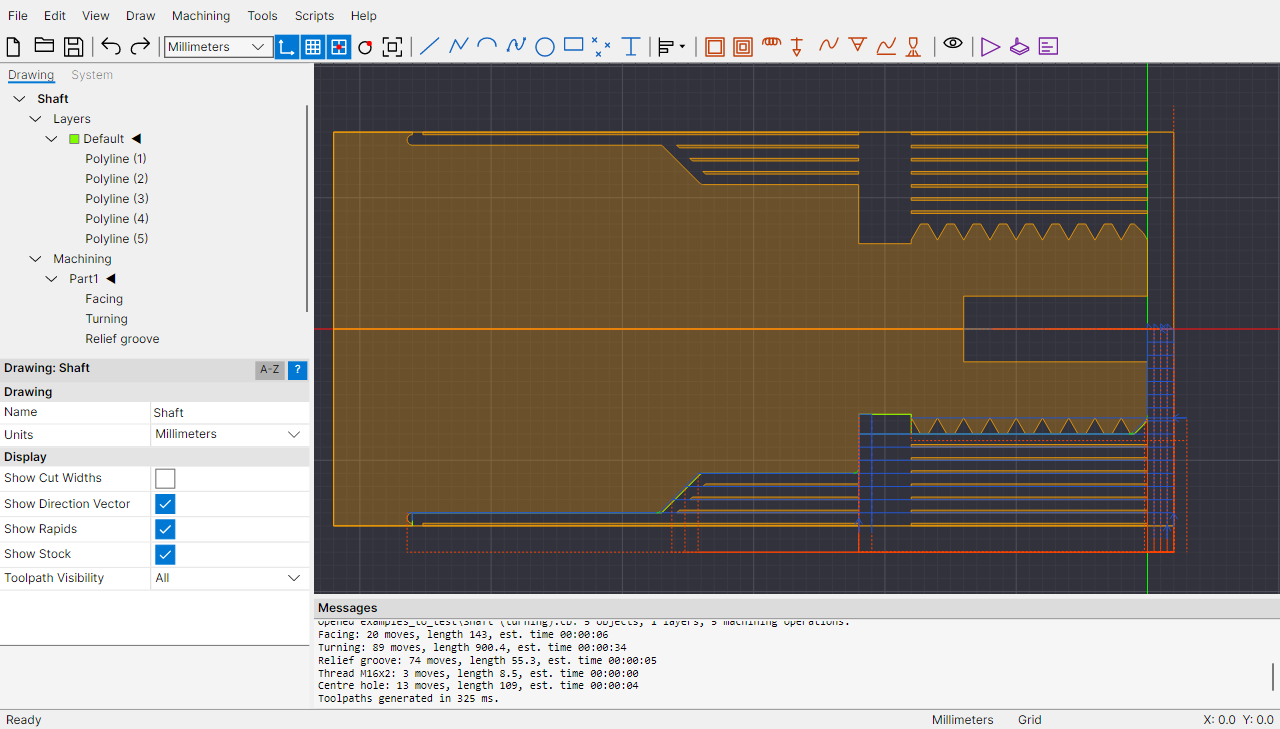
Lathe
Facing, roughing and finishing, grooves, threads, drilling and boring from a profile drawn on one side of the axis.
3D simulation
The stock is cut with the real tool shape, from above and below, with the rest material in colour and a slider through every move.
G-code for your controller
Post processors for Mach3, LinuxCNC, GRBL, GRBL Plasma and more; existing CamBam .cbpp post processors are loaded as they are.
Scripts and plugins
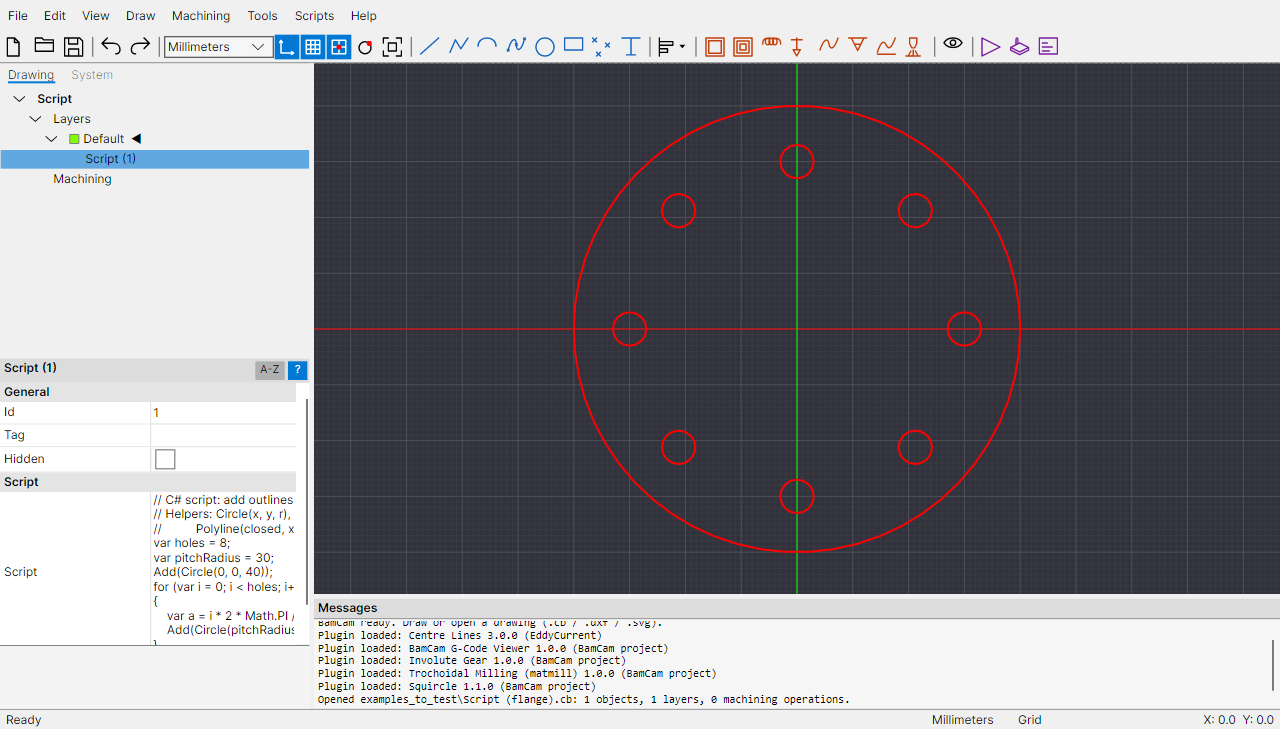
C# script objects for parametric parts, a script editor, and plugins for own commands and machining operations.
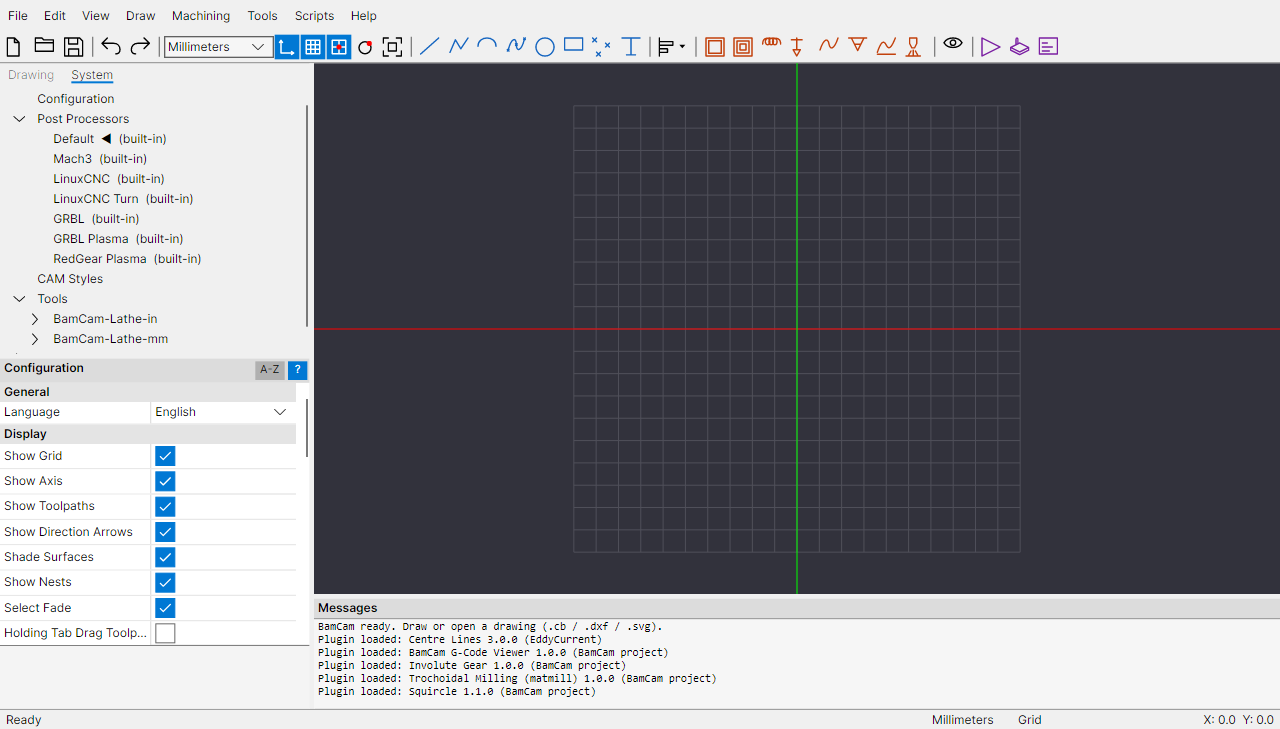
Screenshots
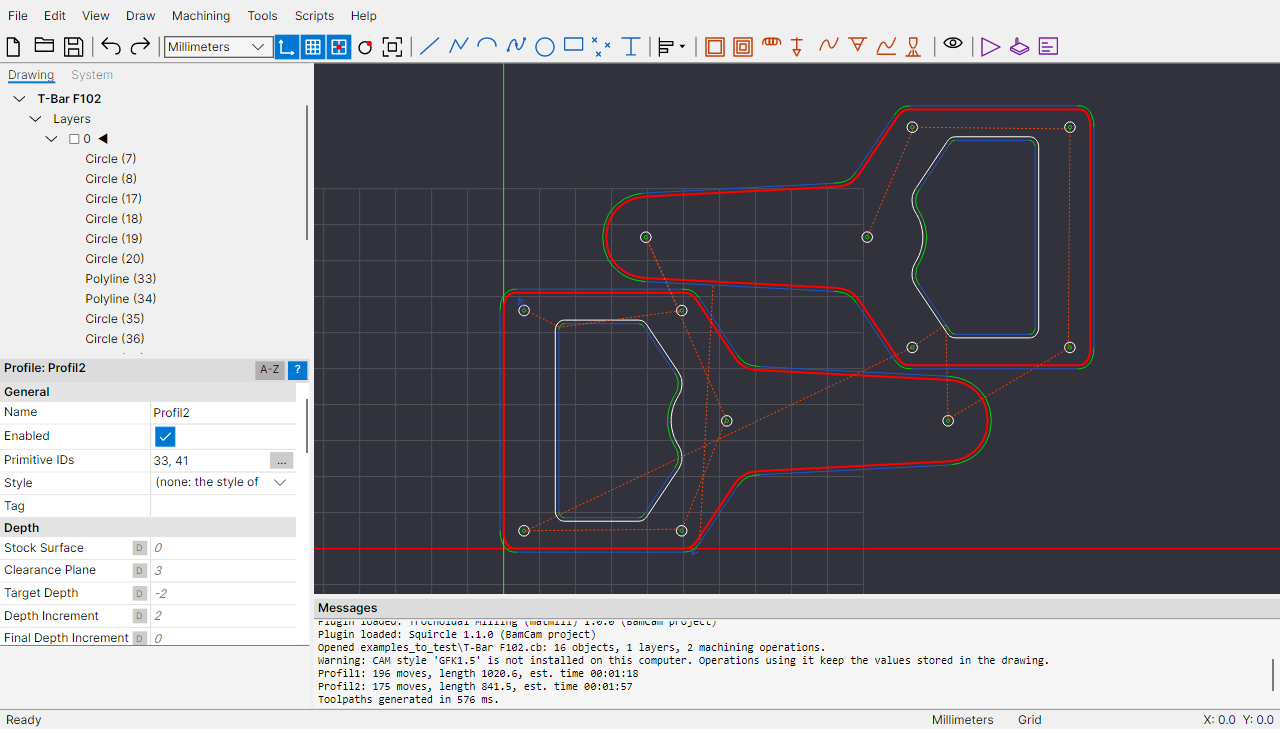
Every picture links to its full size.
Get started
Free of charge, no account, no licence key.
- Download the package for your system from the latest release: the setup or zip for Windows, the
.AppImageor the.tar.gz(withinstall.sh) for Linux, the.zipwithBamCam.appfor macOS. - Open one of the example drawings: there is one for each kind of operation, from profile and pocket to plasma, lathe and a 3D pebble.
- Press
Ctrl+Tto generate the toolpaths,Ctrl+Shift+Tfor the 3D simulation, then write the G-code for your post processor. - Read the user guide for all functions and shortcuts. Questions and ideas are welcome in the discussions, bugs in the issues.
On macOS the app has no Apple developer certificate: after the download, choose “Open Anyway” in System Settings ▸ Privacy & Security, or run xattr -dr com.apple.quarantine BamCam.app.